
Join the Bird Gang
Get Offers, Discount Coupons Exclusive Deals directly to your Inbox
Get Offers, Discount Coupons Exclusive Deals directly to your Inbox
 Location
 Established
 Alternative
 Team
Team MRR
MRR Why LTD
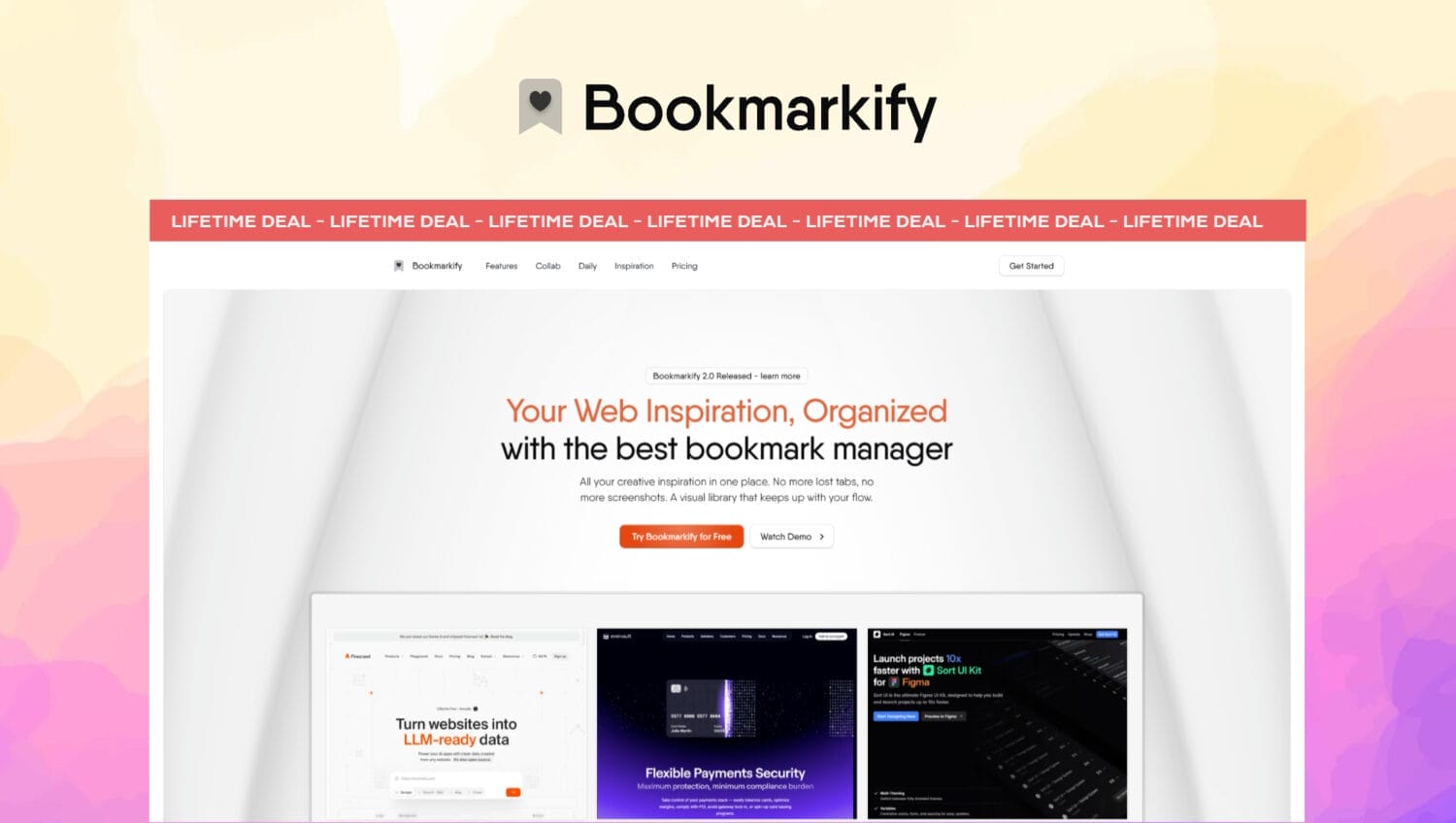
Bookmarkify is a visual bookmark manager that transforms scattered browser tabs and screenshots into an organized, searchable design library.
Bookmarkify replaces endless browser tabs and forgotten screenshots with a visual library that lets designers preview, organize, and analyze web inspiration without ever leaving the extension.
With responsive view modes, AI-powered design extraction, and one-click saving of websites, images, and videos, it transforms bookmark chaos into a searchable creative asset that actually gets reused.
 Best For
 Alternative to
 Features
 Integrations
Bookmarkify is a visual-first bookmark manager designed to solve the universal struggle: finding that perfect website, article, or resource you saved months ago when you actually need it.
Stop squinting at text-based bookmark lists trying to remember which link contained the pricing page example, competitor analysis, or content strategy you wanted to reference. Bookmarkify captures full-page visual previews of every website you save, displaying them as rich preview cards with screenshots, favicons, and descriptions that provide instant visual context. The intelligent preview system shows you exactly what you saved at a glance, eliminating the guessing game that plagues traditional bookmarking tools.
View saved websites directly inside Bookmarkify through an iframe preview that offers fully functional scrolling without opening new browser tabs. This innovative approach lets you explore entire pages, check navigation patterns, and analyze content structure while your actual workspace remains focused and uncluttered. Whether you’re researching competitors, collecting marketing examples, or gathering resources for a project, the iframe preview keeps you in your flow instead of drowning in tab overload.
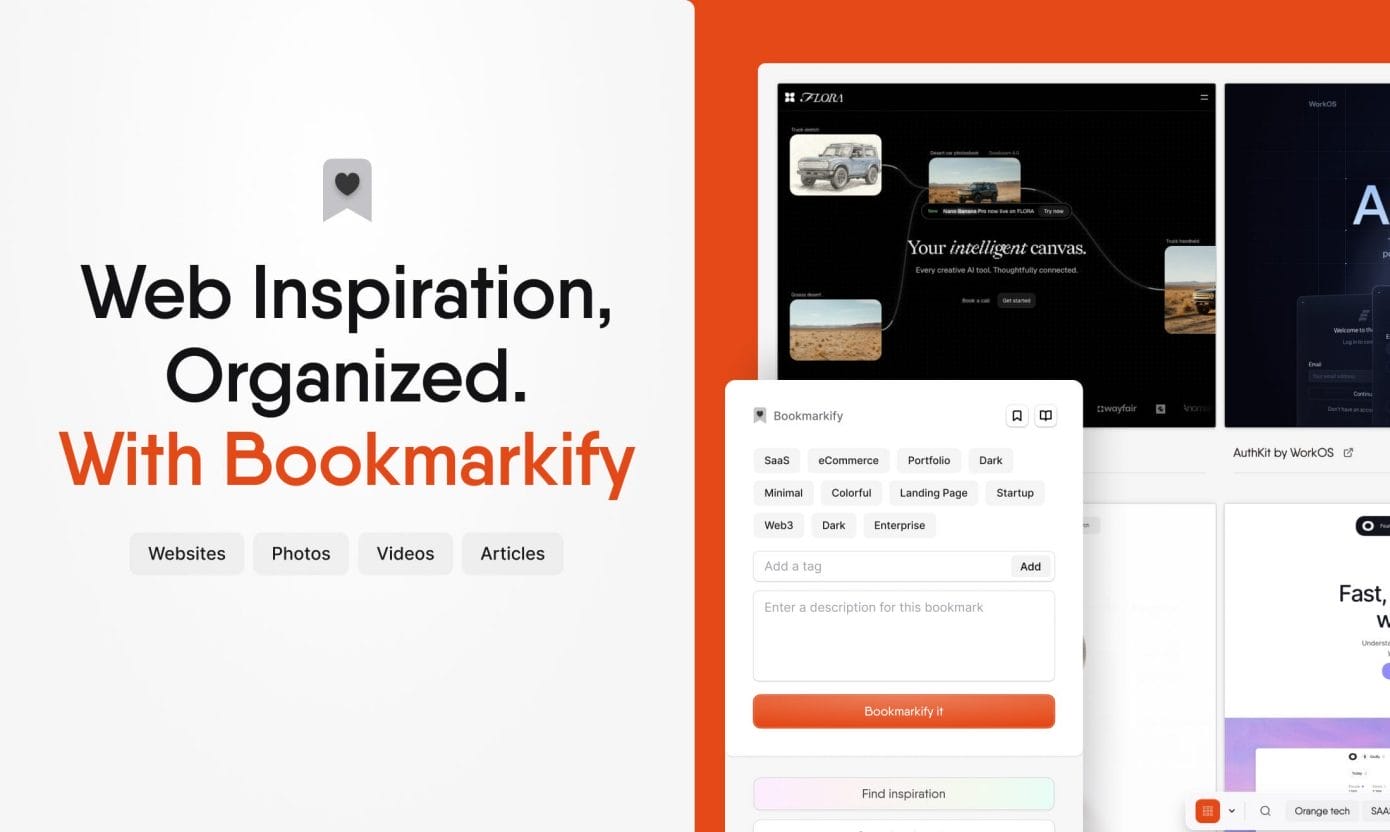
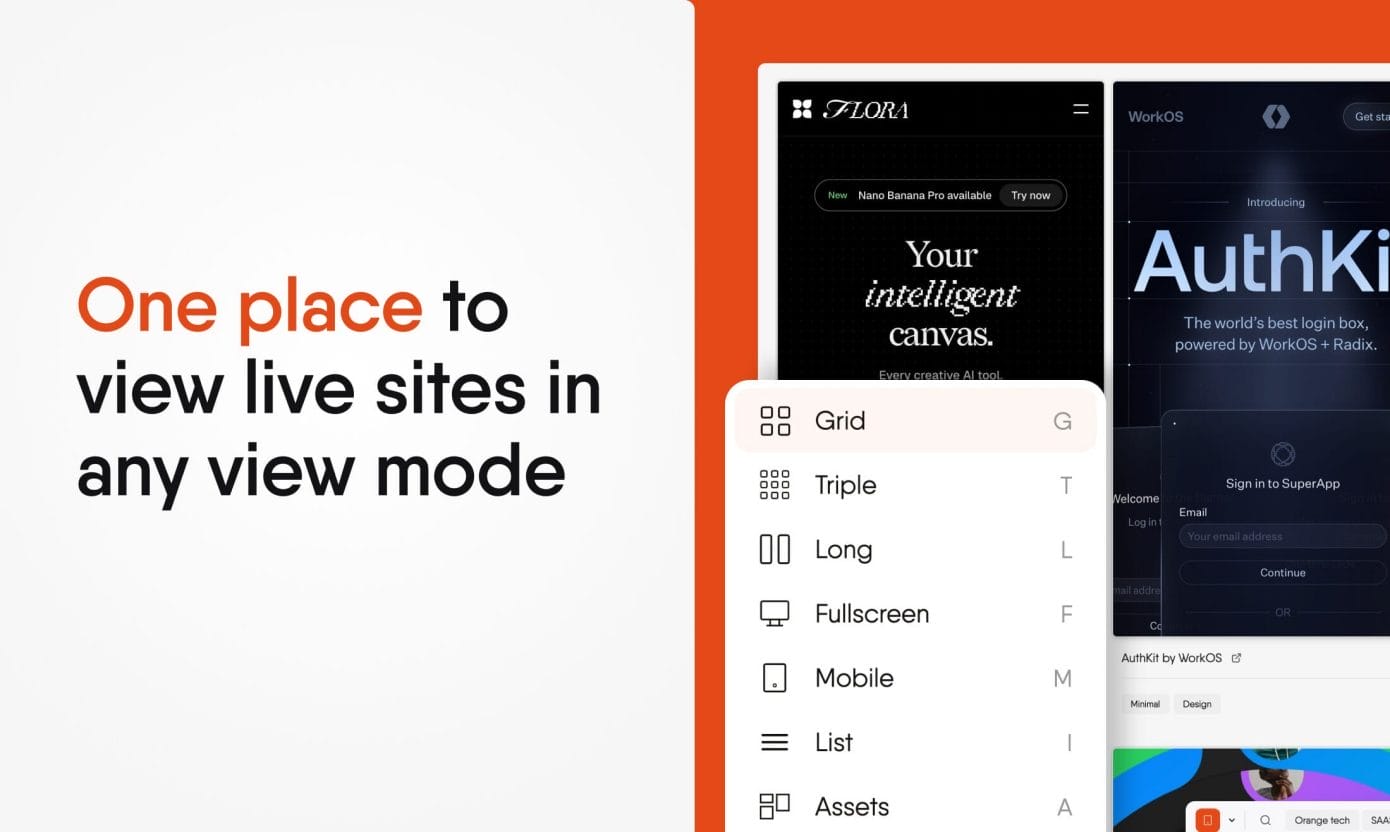
Test how any website looks across different devices without developer tools or multiple screens. Bookmarkify’s view modes let you preview any saved site in Desktop, Tablet, or Mobile views, making it effortless to analyze how content, layouts, and functionality adapt across different screen sizes. Switch between Grid view for quick scanning, Fullscreen mode for detailed analysis, or Moodboard view for visual arrangement during presentations or client meetings.
This multi-mode viewing system proves invaluable when analyzing user experiences, reviewing competitor sites, or building presentations that showcase how different brands handle responsive content. Instead of manually resizing browser windows or checking sites on multiple devices, everything happens within your organized bookmark library, saving hours of context-switching during research and planning phases.
Extract valuable intelligence from any saved website in seconds with Bookmarkify’s AI-powered analysis feature. Instantly capture complete font families and entire color palettes from any site you bookmark, eliminating the tedious process of manually inspecting elements or taking screenshots for later reference. This feature transforms casual browsing into actionable insights perfect for building brand guidelines, creating presentations, or understanding what makes successful websites work visually.
The analysis tool helps you move beyond simply saving sites to actually understanding and learning from the content that caught your attention. When you’re building marketing materials, developing brand identity, or need to justify design choices to stakeholders, having instant access to professionally extracted palettes and typography from industry-leading sites gives you concrete examples and proven combinations rather than starting from scratch.

Keep growing reference libraries organized and searchable with tag-based organization, custom folders, and powerful filtering that makes finding specific bookmarks instantaneous even with thousands of saved sites. Tag websites with project names, topics, competitor names, content types, or any taxonomy that matches your workflow, then use advanced search to surface exactly what you need when you need it.
The organizational system accommodates both broad categorization for long-term reference and specific project-based collections for active work. Filter by tags to instantly pull up all “SaaS pricing pages” you’ve saved, every “email newsletter” example you’ve collected, or all resources related to a specific client project, turning your bookmark collection into a practical research database instead of a digital junk drawer that grows increasingly unusable over time.
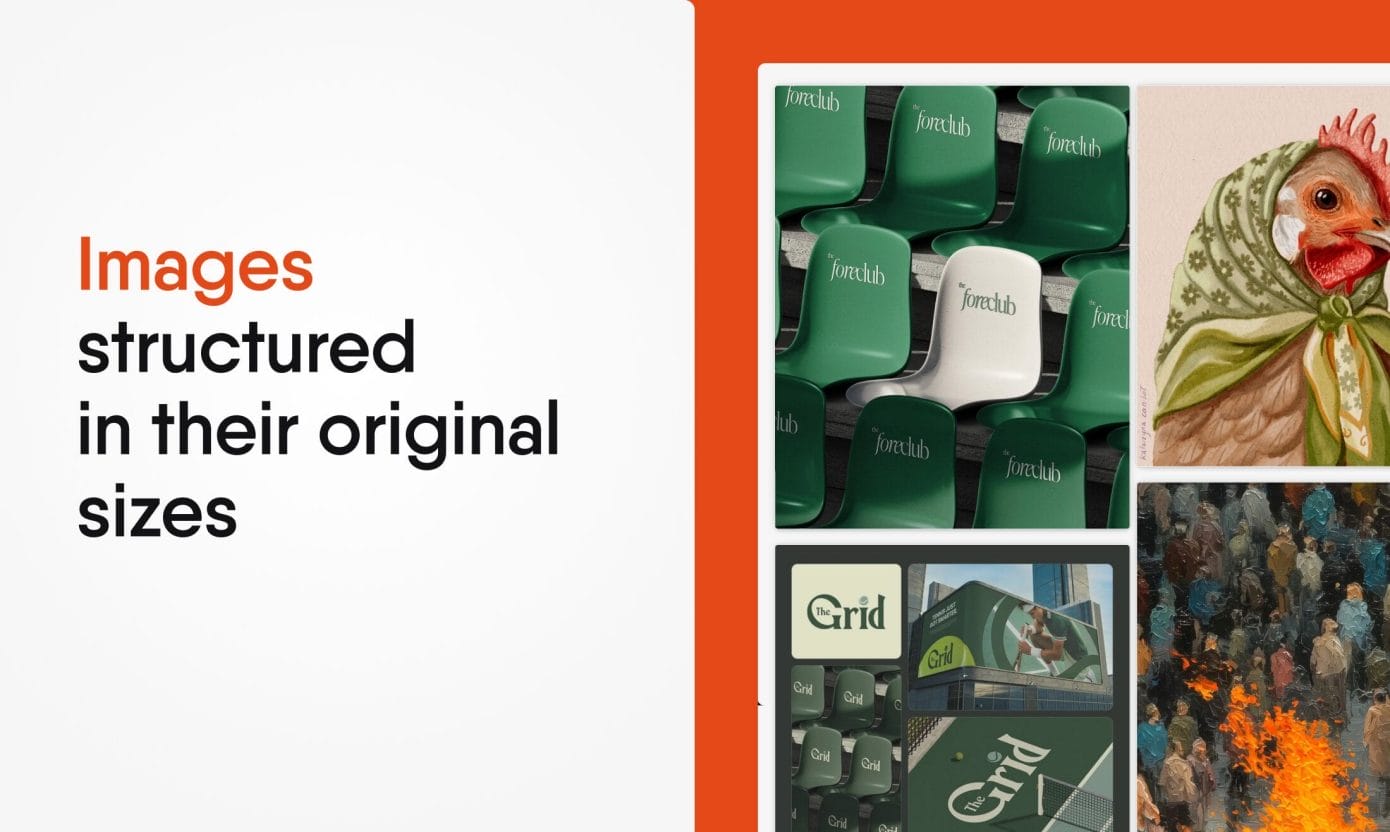
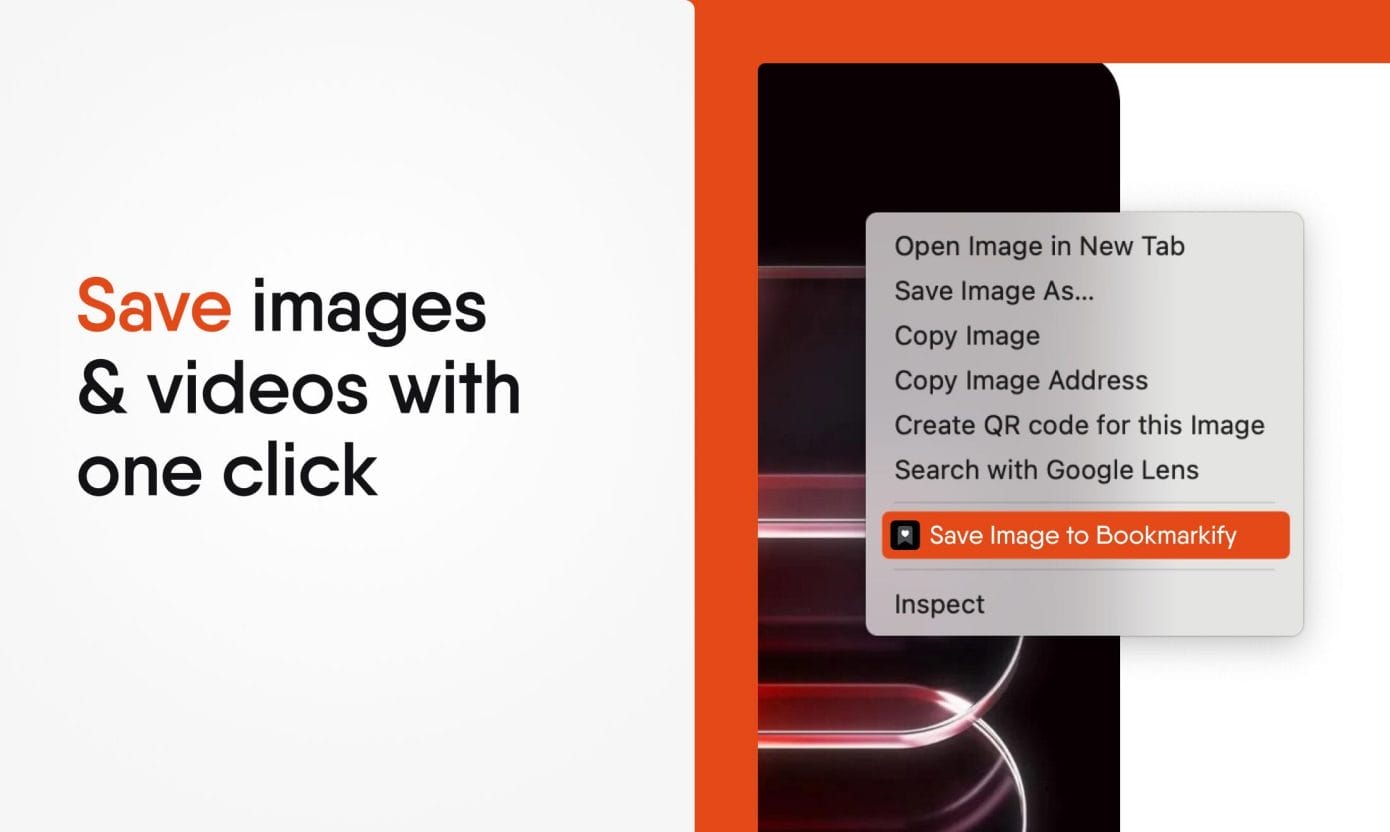
Bookmarkify extends beyond traditional website bookmarking to capture visual content in all its forms. Right-click to save individual images and videos directly into your collections, building comprehensive reference boards that combine full website screenshots with specific visual elements, product photography, marketing examples, or video content that catches your eye during research sessions.
This multi-format capability means your entire reference library lives in one organized location rather than scattered across browser bookmarks, desktop folders, screenshot directories, and various note-taking apps. When building client presentations, pitch decks, or internal reports, having images, videos, and websites tagged and organized together speeds up the asset-gathering process dramatically, letting you focus on strategic work instead of hunting through random files.
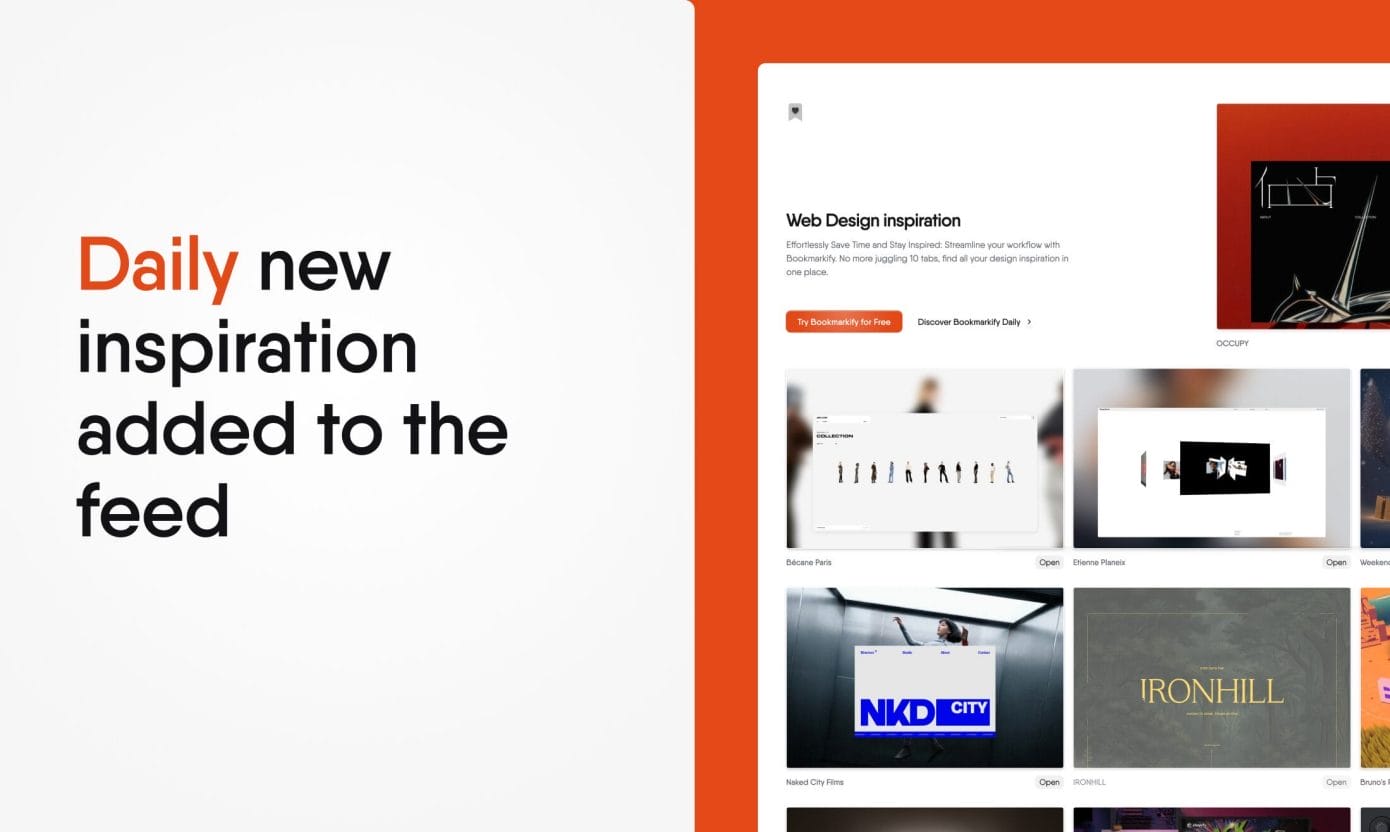
Never run dry on fresh ideas with Bookmarkify Daily, which delivers six handpicked websites every day at midnight GMT+2, providing a constant stream of new examples, innovative approaches, and noteworthy launches without requiring manual hunting through social media feeds or industry blogs.
The daily curation service acts as a reliable source of fresh perspectives, exposing you to trends and creative approaches you might not discover through your usual browsing habits. For professionals who want to stay current with evolving web strategies, content approaches, and digital experiences, the daily delivery system ensures inspiration and examples arrive consistently rather than relying on sporadic research sessions.
Stop losing valuable references in browser chaos before this exclusive opportunity vanishes!
Get your Bookmarkify Lifetime Deal exclusively at Earlybird
 Lifetime access to Bookmarkify All future updates of the product will be available for Earlybird customers, but some features that require recurring costs will be considered on a feature-by-feature basis.You must activate your license within 60 days of purchase
30 day money-back guarantee.
Try it out for 30 days to make sure it’s right for you!
Bookmarkify is a visual bookmark manager that transforms scattered browser tabs and screenshots into an organized, searchable design library.

03 Customer(s) recommended this item

This tool has a solid concept and is especially convenient for cycling through all the pages you need within a single tab. With a few improvements, it could easily offer value far beyond its current price.
Feature Requests
Google Drive bookmark sync — Syncing through a Google account forces all extension data to sync and only works in Chrome. A Google Drive–based sync option would make it usable across browsers like Firefox and Edge.
Disable auto‑play on the bookmark page — All saved YouTube videos start playing automatically when the bookmark page opens, causing heavy load. Videos should stay stopped by default.
Bug Report
Unexpected folder jumps in Canvas Mode — Double‑clicking or slightly dragging a bookmark inside a folder sometimes moves it to the parent directory. Movement should only occur when intentionally dragged onto a specific icon or selected via right‑click.

This is my first purchase on Earlybird, and I absolutely love Bookmarkify.
Even though it’s still in development — especially the free canvas — I’ve found something that feels truly special, far beyond simple internet bookmarks. It lets you keep different sessions open on one screen, organize everything into folders, and work using mind‑map style layouts.
Yes, I do run into an occasional bug, but what I’ve discovered so far feels fresh, new, and genuinely useful for everyday work. And it has to be said: it’s beautiful too.
The best way to understand why this software is unique is simply to try it.
Thanks to Earlybird and to the creator of Bookmarkify for building something like this.

Hello I purchased your bookmark software.
My question is can I add it to all my computers without having to purchase multiple keys. Will it sync together with one key for all my devices?
Got a Question? Ask here.

Any way to bulk import my bookmarks?

unfortunately not, if a lot of people request it I can implement it 🙂
Created this! Live on Wednesday

Does this require the chrome extension to work? For example I use incognito mode on my browser — what is the process for bookmarking in the use case?
It requires a signed in Chrome account to sync the saved bookmarks to, so if you open incognito from a profile that is logged in it will save it in there. 🙂

1. Çan you create folders in folders?
2. If I use a Mac ànd a windows pc how can I see the same bookmarks on my devices ?
3. If I don’t use chrome or Firefox ànd want to access my bookmarks do you have a login dashboard I can access my bookmarks or a desktop app I can download ? I know some users like me don’t like connecting bookmarks to an extension or Google account via chrome because then companies like Google get access to more information about us, so having alternative solutions would be beneficial
Hey Lima!
1. Not yet, but on the roadmap for the free-canvas view mode which just released!
2. It’s an extension that only works on Chromium Browsers. They sync using your Chrome Sync, so as long as you’re logged in with your Bookmarkify account on the same Google profile it works.

I want to proceed with the purchase, but I hesitated because of this statement: “All future updates of the product will be available for Earlybird customers, but some features that require recurring costs will be considered on a feature-by-feature basis.” Could you please confirm that all future updates will be available for early supporters (Earlybirds) because some feature statment makes anyone hesitate to proceed? Thank you.
Maybe in the future (I’m not really planning on it) I would introduce some AI or something. AI implementations obviously cost money and wouldn’t be sustainable if a user doesn’t pay monthly. It is only for that reason it is stated. Hope that helps!
Got it! Thank you! May be you can use cheap models so all earlybird can use and for AI features that require advanced models you can introduce bring your own key . But your app is very great and awesome and highly recommended.

I just want to add that this is the standard message regarding updates that you will see on all future Earlybird deals
Ok got it Umar! Thank you for your clarification!

Early bird you have an issue I submit multiple questions and non of them show ever !!

Hi Ivan, got some questions:
Does this only work as an extension for chrome and firefox or is there like a cloud site or desktop app I can use if I dont use those browsers or dont wanna use an extension. If there’s no cloud or desktop app, would you consider adding one? Some users dont want to share data via extensions with google or firefox by signing in and prefer keeping bookmarks private. Right now I use a free Mac app called bookmark & I like that I dont need an extension and it works on my desktop. Look forward to your response.
It only works on Chrome/Chromium browsers at the moment. Right now the data gets saved in the Chrome Sync. There’s no plan to make a dedicated app as of now, but might in the future!

Hey Ivan,
I tried the free version and what I don’t understand: Does bookmarkify take actual full-size screenshots of the captured URLs? Does it do that for multiple viewport dimensions? Or do you cache full pages as html/css/js? OR: Is everything gone once the saved site changes or goes offline? In the free version, I can only see iframes that load the live pages I saved (which doesn’t help much do built a permanent repertoire.
Thanks for clarifying.
They’re iframes yes, nothing gets downloaded or something but that allows you to fully interact with the site and even use it when it requires a login. Thank you!

I purchased the lifetime deal and am unable to apply my license through your registration process. The process seems to be inactive as nothing happens when you enter the license code. I have been trying to gey support from both Earlybird and Bookmarkify for the last 5 days and niether one has responded. I am vey disappointed in Earlybird, as I have made a number of purchass from you in the ladt 8 months. Help get set up would be the right thing for you both to do.
Hey Joel! Can you reach out to me on FB? I haven’t received an email from you. Can you check if you can use the mobile view mode/if the banner on top of your dashboard is gone? Those are signs of your pro license being active. There was a bug that didn’t show that you were subscribed but it’s fixed now on the latest update.
That’s too bad ill have to skip your tool since It’s only a Chrome extension. Update this tool’s features and remove Firefox, as it clearly says it supports Firefox browser, which isn’t a Chromium browser you support.

is there an LTD uprgrade path for using it with teams? if we want multiple seats? how would that work.
the LTD doesn’t include the collaboration feature. That’s only on the subscription plan. If you have already bought the LTD and want to upgrade to the collab subscription, dm me on FB or https://www.x.com/miranodesigns

How can we get in touch with Ivan? The support email on the website doesn’t work, and there’s no contact on social media either.
You can try Facebook, or X https://www.x.com/miranodesigns!
I wanted to ask if there is a possibility for social media pages to be displayed in the preview.
Yes, you can try the free version out to test this as well.

When I tried to import bookmarks it says storage limit reached but the deal says unlimited rigtht?
This is a bug with import that will be fixed with the next update!

I can’t seem to find a way to delete tags or folders. Is it possible to delete them?
Also, I can’t find a way to display only bookmarks inside a folder. Does this feature not exist?


Only logged in customers who have purchased this product may leave a review.